
Before friends play
Quiz invitation
Open your published quiz link and tap Share to IG Story. The challenge link is ready to copy for Instagram’s Link sticker.
Instagram Story sharing
Open the Story maker, choose a world, and check the preview. Then share the invitation, your result, or the leaderboard straight to your Story—or save it for later.
Choose your world
Challenge link
Where to find it
Story sharing appears in three places across BestieScore. Each one opens the same familiar Story maker.
Before friends play
Open your published quiz link and tap Share to IG Story. The challenge link is ready to copy for Instagram’s Link sticker.
After a round
On the final score screen, tap IG Story Image to turn the result into a Story you can post or save.
When the board moves
Open your profile leaderboard and tap IG Story Image. Choose how many top friends you want to show.
What you can post
Invite the group, celebrate a result, or show who is leading. These examples use the same designs that appear in BestieScore.
Invite friends
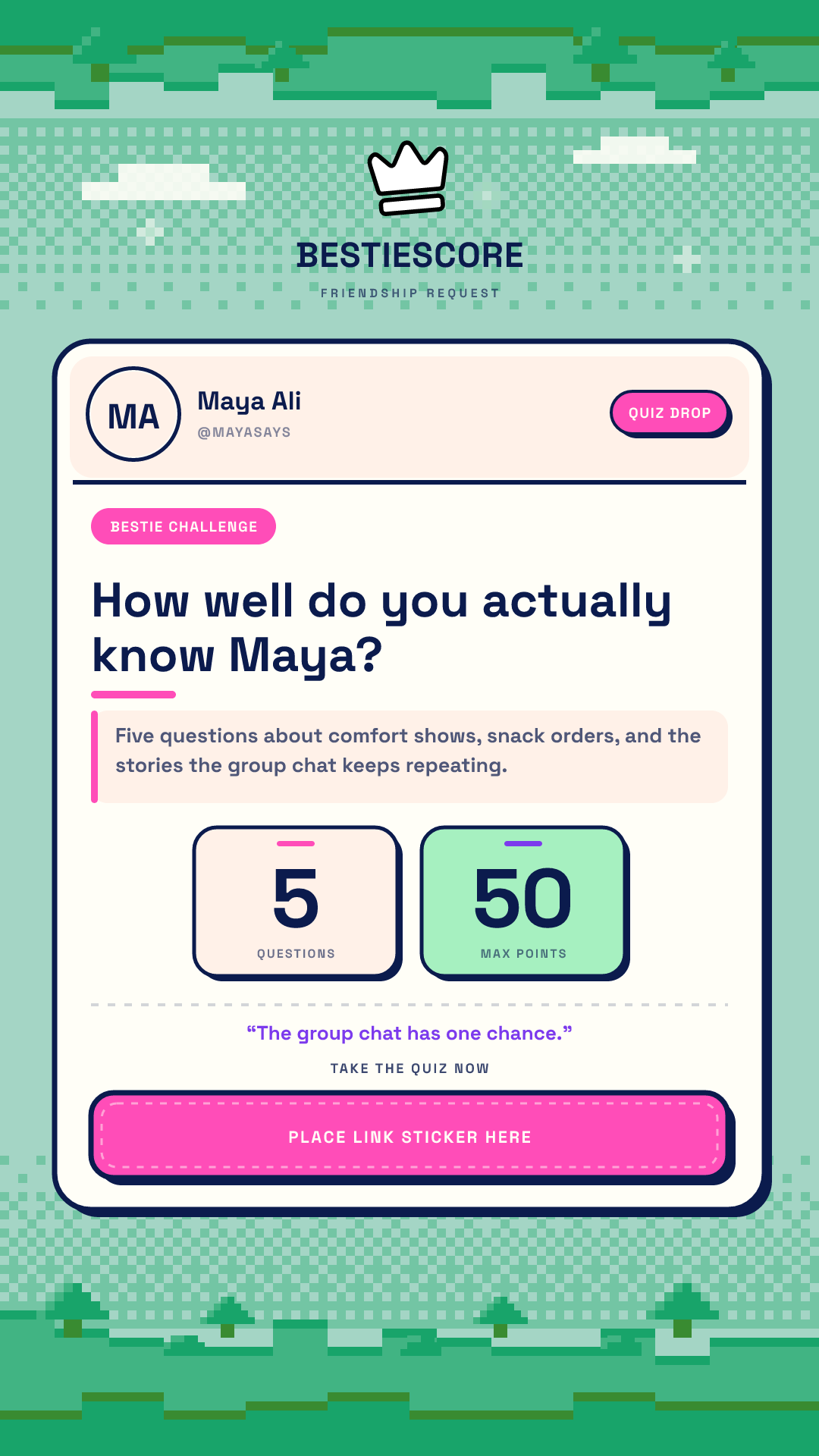
Post the challenge before anyone plays. Add the quiz link in Instagram so friends can jump straight in.
Share your result
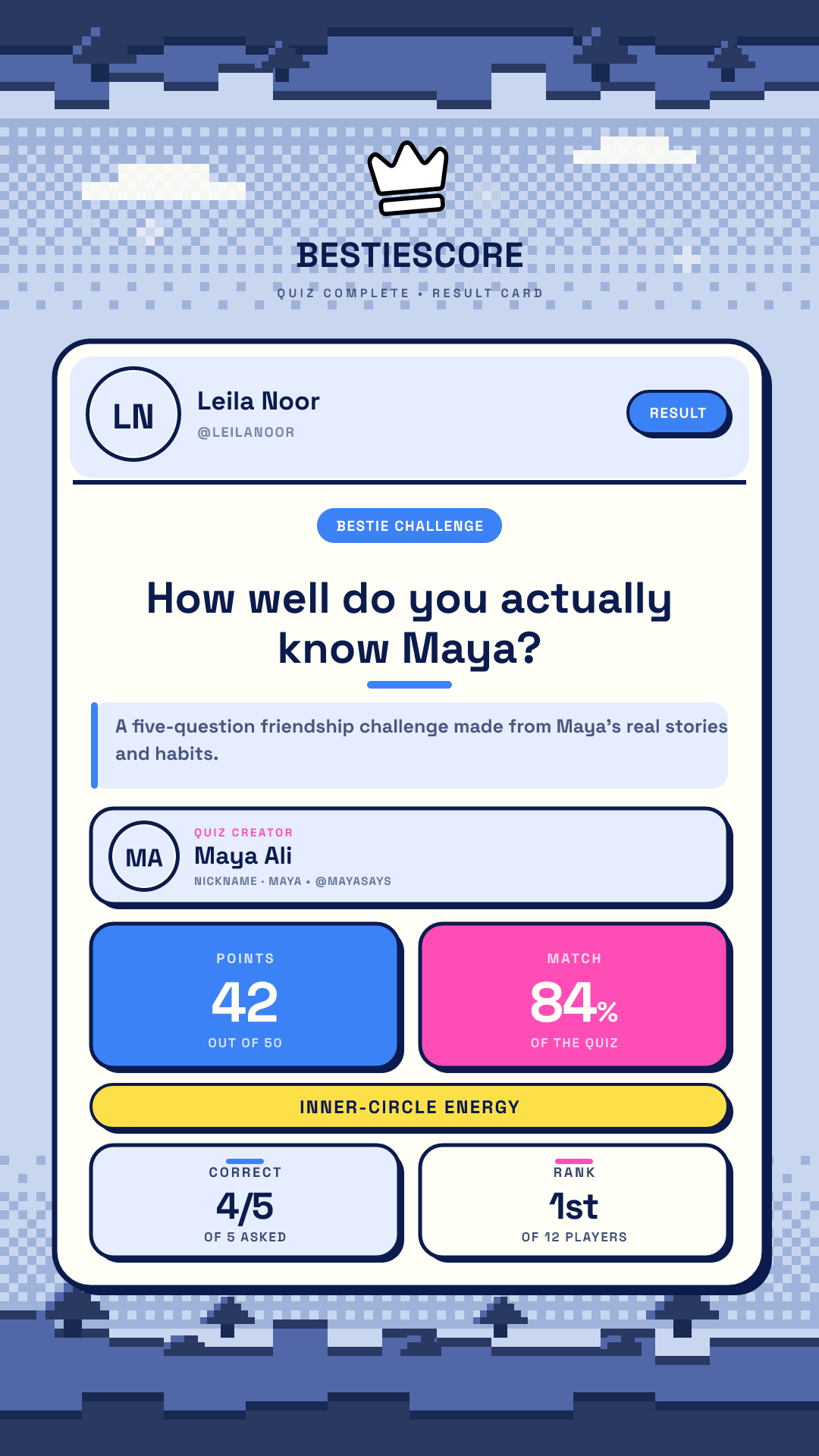
Show your score, how well you matched, and where you placed when the round ends.
Show the leaderboard
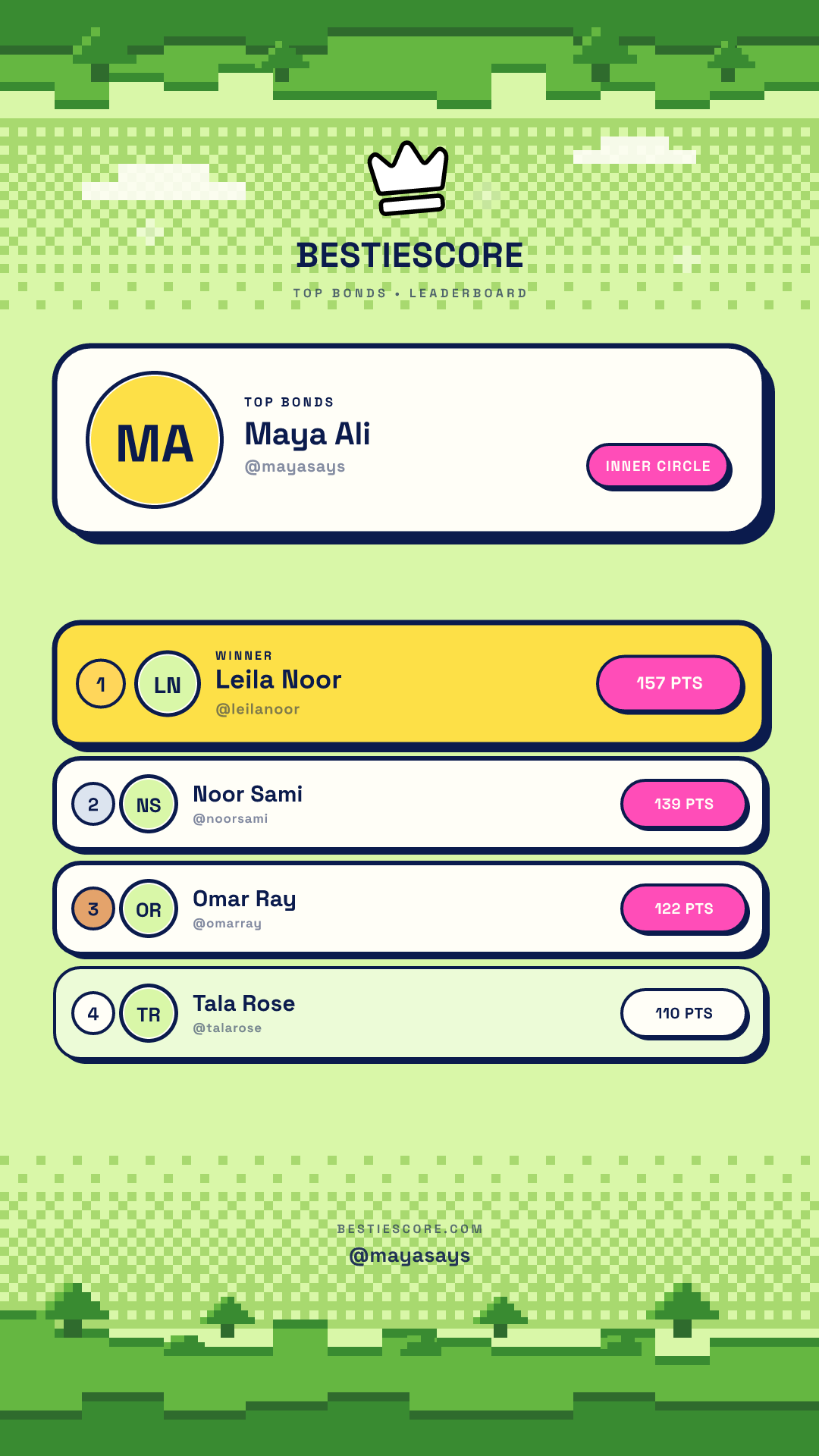
Post the top bonds and let the group see who is leading right now.
For quiz invitations
When you share a quiz invitation, BestieScore shows the challenge link next to the preview. Copy it, open the Story in Instagram, and turn the link into a sticker so friends can tap straight into the quiz.
After you post
A quiz invitation can become the doorway into the next round. Results and leaderboards keep the competition visible after friends have played.
The Story introduces the quiz in a format that feels natural in the group chat.
The optional Link sticker opens the public BestieScore quiz in their browser.
When friends finish, their score joins the round and adds to their bond with you.
Open the published quiz in BestieScore and tap Share to IG Story. Choose a world, check the preview, then tap Share story. If your phone does not open Instagram directly, save the image and add it to a new Instagram Story from your photos.
Yes. When you make a quiz invitation Story, BestieScore shows the challenge link so you can copy it. In Instagram, add a Link sticker, paste the quiz link, and place the sticker over the call-to-action area on the Story image.
Yes. After a quiz ends, tap IG Story Image on the result screen. BestieScore makes a Story with your score, match, correct answers, and place on that quiz.
Yes. Open your profile leaderboard and tap IG Story Image. You can choose how many top friends to show, choose a world, preview the Story, and then share or save it.
Yes. The Story maker includes several worlds. Choosing another world changes the colors and pixel scenery while keeping your quiz, result, or leaderboard easy to read.
No. Friends can tap the Link sticker and open the public quiz in their browser. They can play the shared friendship quiz without creating their own quiz first.
Ready for the group chat?